 Gidicam
Your camera, reimagined.
Gidicam restyles your webcam live with AI. Pick a look, go live, and the people on your call see an anime, cartoon or claymation version of you, in Zoom, Google Meet or OBS.
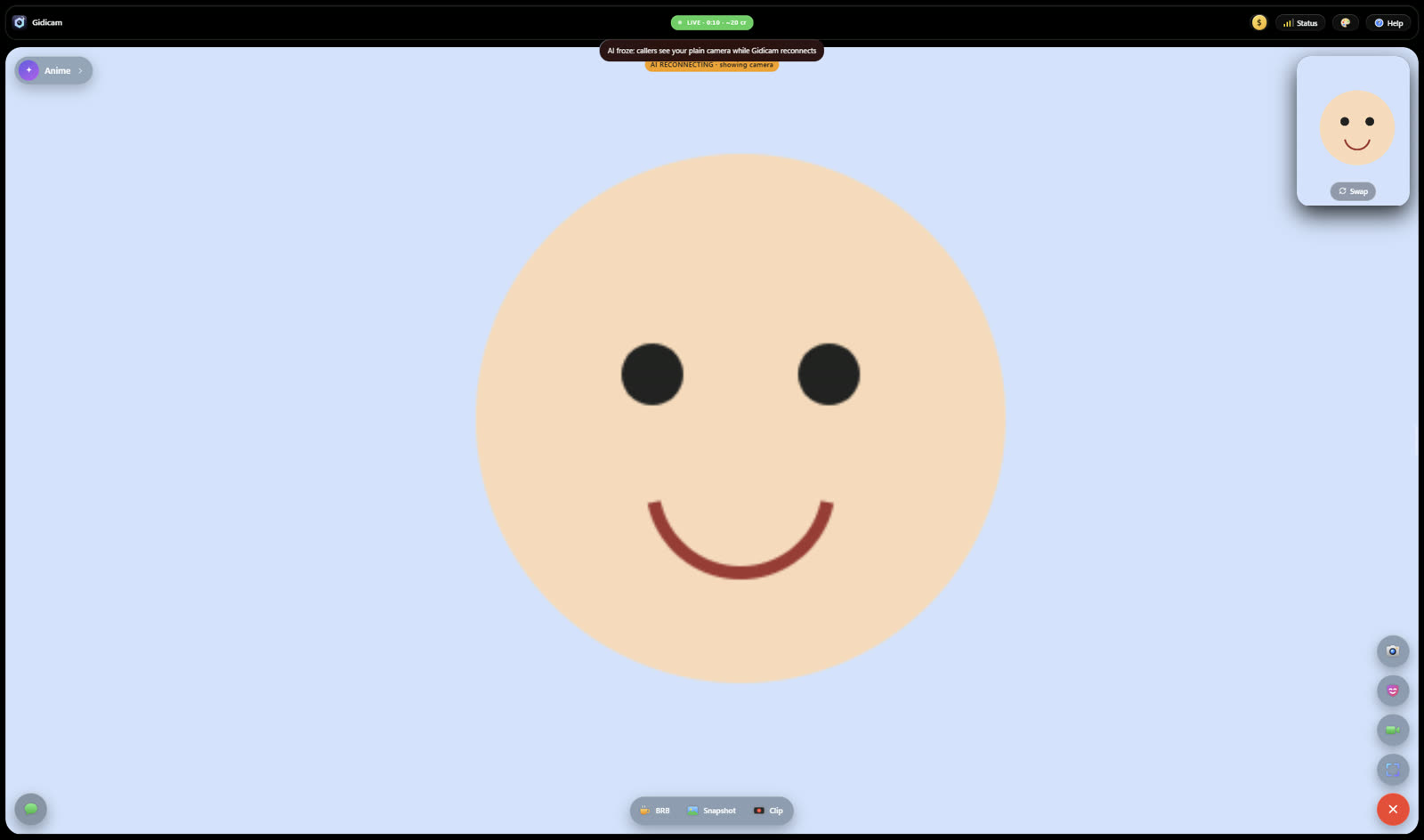
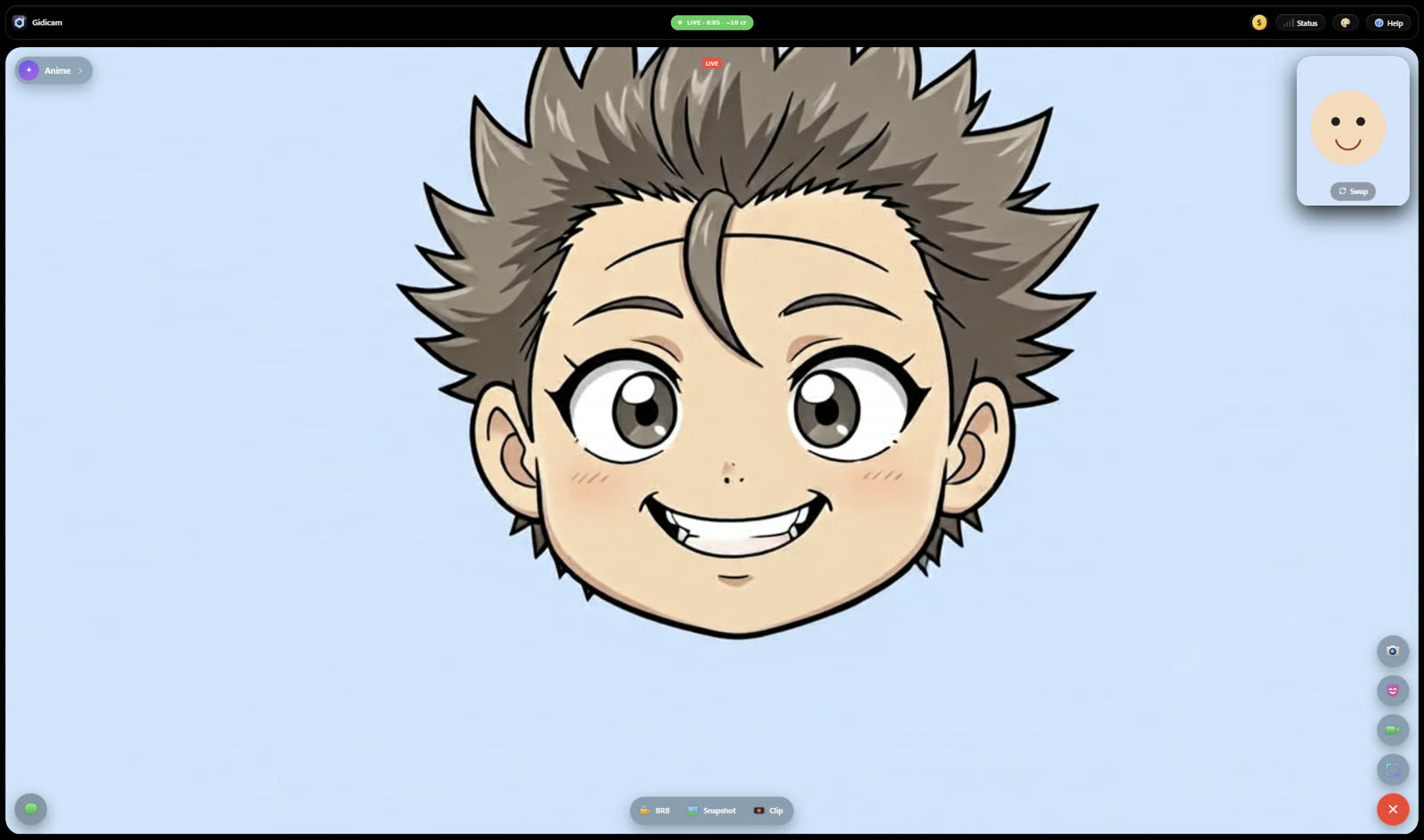
Two real frames from the same Gidicam call. Our test camera was a drawn smiley. Drag to compare.
Live in three steps
Camera on
Gidicam uses the webcam you already have. Nothing to install in your call app.
Pick a look
Choose one of twelve looks, write your own, or use a cartoon or anime reference image.
Go live
Pick “OBS Virtual Camera” in Zoom, Meet or OBS. Your restyled video shows up there.
- ✨Anime
- 🎬Animated
- 🧸3D Cartoon
- 🧱Claymation
- 🦸Superhero
- 👩🚀Astronaut
- 🛡️Knight
- 🎨Watercolor
- 🌃Cyberpunk
- 👾Pixel art
- 🤵Tuxedo
- 🕶️Sunglasses
Built for real calls
You never freeze on screen
If the AI stalls, Gidicam switches your callers to your real camera within seconds, then switches back when the AI recovers.
Be right back, in one key
Press B and a “Be right back” card goes on air. Press it again to pick up where you left off.
Snapshots and clips
Save a still, or the last 15 seconds of what your callers saw, straight to your Downloads folder.
Let your chat pick the look
Streaming on Twitch? Viewers can type !look anime to switch your look while you're live.
Free local filters
Cartoon and sketch filters run on your own PC and cost nothing, with or without a subscription.
Hotkeys for everything
Number keys switch looks, and single keys handle snapshot, clip, BRB and going live.
Pricing
The AI looks run on powerful cloud GPUs that cost real money for every second you're live, so the paid plan includes a set number of AI minutes each month.
Free
- Local cartoon and sketch filters
- Virtual camera for Zoom, Meet and OBS
- BRB card, snapshots and clips
Pro
- Everything in Free
- 10 AI minutes a month with all twelve looks, your own prompts and reference images
- Never-freeze fallback and Twitch chat looks
- Use on up to two PCs
- Cancel any time
AI minutes are counted per started minute while you're live with an AI look, and reset each billing month. Fast mode uses minutes twice as quickly. Prices in US dollars; taxes may apply at checkout.
Get Gidicam
Gidicam runs on Windows 10 and 11 (64-bit). The installer is about 210 MB and needs no other software. For the virtual camera in Zoom or Meet, install OBS Studio once.
Windows may show a SmartScreen notice the first time because Gidicam is new. Choose “More info”, then “Run anyway”.
Questions
- Does Gidicam record my video?
- No. While an AI look is on, your camera video is streamed to our AI provider to be transformed in real time and is not kept by Gidicam. Snapshots and clips are saved only on your PC, and only when you press the button.
- Can I look like a real person, such as a celebrity?
- No. Gidicam is for stylised looks such as anime, cartoon and illustration. Reference images must be drawn or animated characters, not photos of real people.
- What happens when my AI minutes run out?
- The AI looks pause until your next billing month, and the free local filters keep working.
- Does it work on Mac?
- Not yet. Gidicam is Windows-only for now.
- How do I cancel?
- Use the link in your receipt email, or contact us. You keep Pro until the end of the month you've paid for. See the refund policy.